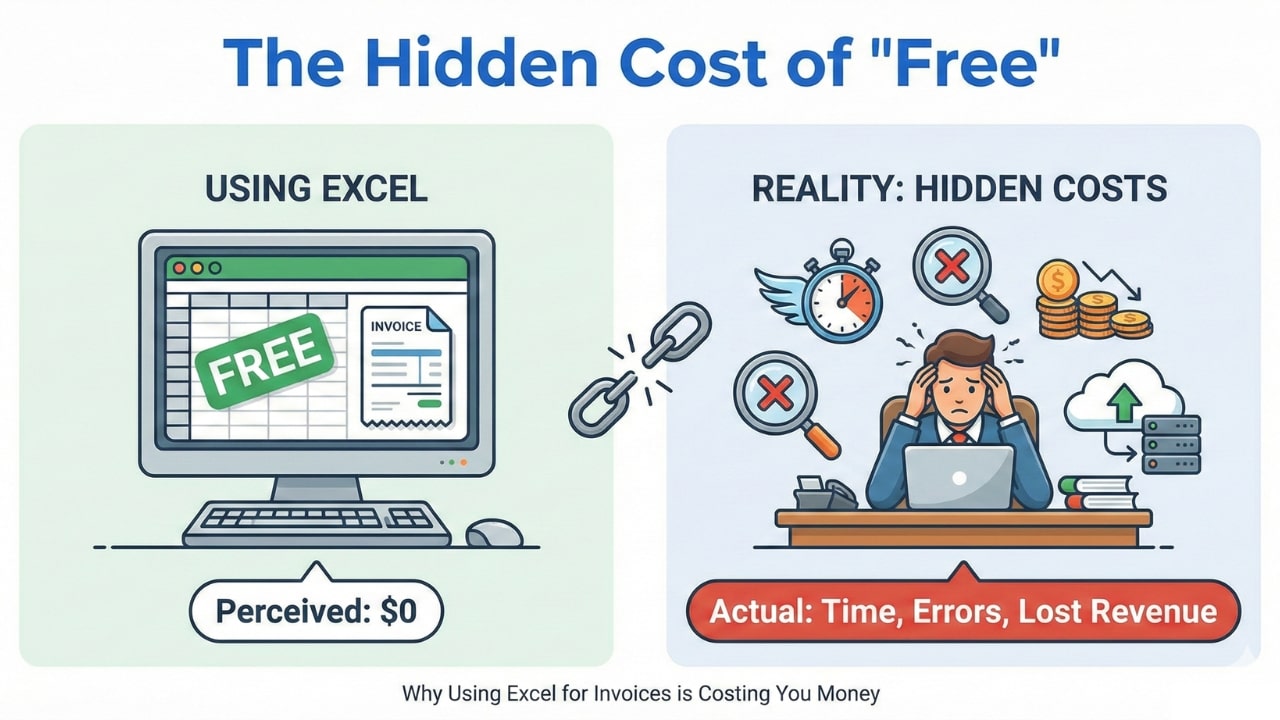
I still remember the first time I sent an invoice as a freelancer. I was proud, tired, and broke. I didn't want to spend $30/month on fancy accounting software, so I did what everyone told me to do: I opened Excel.
I typed "INVOICE" in bold letters at the top. I merged a bunch of cells to make it look like a
table. I spent 20 minutes trying to get my logo to sit in the corner without destroying the rest
of the page layout. Finally, I saved it as My_First_Invoice.xlsx and emailed it to
my client.
It felt like a win. I had "beaten the system" by using a free tool.
But here is the uncomfortable truth I learned the hard way: That "free" Excel template was actually the most expensive tool in my business.
It cost me hours of unbillable time. It made me look like an amateur to high-paying clients. And once, a simple formula error cost me nearly $200 because I forgot to update the "Total" cell when I added a new line item.
If you are still manually typing numbers into a spreadsheet, you are working harder than you need to. In this guide, I’m going to break down the 5 hidden risks of manual invoicing—and why switching to a dedicated generator is the single easiest upgrade you can make for your business.
Risk 1: The "Formatting Nightmare" (Time is Money)
Let's be honest: Spreadsheets were built for data analysis, not graphic design. Trying to make an Excel sheet look like a polished legal document is like trying to paint a portrait with a hammer. It works, but it's messy.
Every time you have a new project, you open your old template. You delete the old rows. You add new ones. But wait—now the "Total" row has pushed onto a second page. Now your print margins are cut off. Now that one column is too narrow for your description.
The Hidden Cost:
Freelancers spend an average of 15-20 minutes per invoice just fighting with formatting. If your hourly rate is $50, that "free" invoice just cost you $12.50 in lost time.
The Better Way: A purpose-built tool handles the layout instantly. You type the items, and the PDF generates perfectly formatted, every single time. No dragging column widths. No print preview anxiety.
Risk 2: The Mobile Problem (The Embarrassment Factor)
Here is a stat that should scare you: More than 60% of business emails are opened on a phone.
When you send an Excel file (or an editable Word doc), you have absolutely no control over how it looks on the client's screen. If they open it on their iPhone while commuting, the columns might squish together. The font size might explode. They might have to pinch and zoom just to see the total.
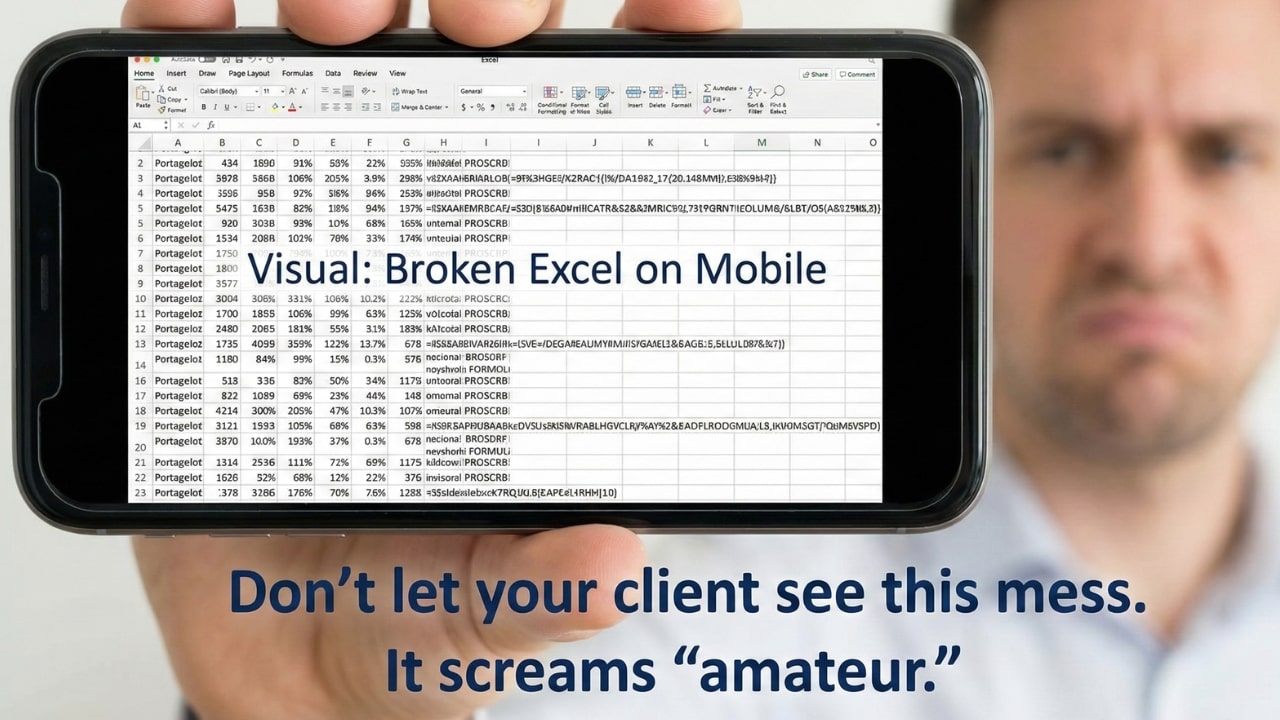
The Solution: A PDF. A PDF looks exactly the same on an iPhone, an Android, a tablet, or a desktop. It projects confidence. It says, "I am a professional business."
Risk 3: The Math Error That Costs You Real Cash
This is the one that keeps me up at night.
In Excel, *you* are the calculator. You have to manually set up the sum formulas (e.g., `=SUM(B2:B10)`). What happens if you add a new row for a "Rush Fee" at B11, but forget to update your total formula to include it?
You lose money. And you probably won't even notice until it's too late.
Or worse—what if you mess up the tax calculation? Sending an invoice with bad math destroys your credibility instantly. If a client sees a math error on your bill, they start to wonder where else you might be making mistakes in your work. They might even delay payment while "Accounting reviews the discrepancy."
💡 The Safety Net:
NextZoto's generator handles the math automatically. You enter the price and quantity; we calculate the subtotal and tax instantly. No broken formulas, ever.
Risk 4: "Version Control" Hell
Does your desktop look like this?
- Invoice_101.docx
- Invoice_101_EDIT.docx
- Invoice_101_FINAL.pdf
- Invoice_101_FINAL_REAL.pdf
Managing files manually is messy. It is surprisingly easy to accidentally send the "draft" version instead of the final one. Or worse, you accidentally overwrite an old invoice template and lose your record of a past job when tax season rolls around.
When you rely on files stored on your hard drive, you are one hard drive crash away from losing your financial history. Using a browser-based tool allows you to generate fresh documents on demand without clogging up your folders.
Risk 5: The "Editable" Risk
This is a security issue most people ignore. If you send a Word doc or an Excel file, the client can edit it.
Whether accidentally or maliciously, they could change the "Due Date" or even the "Total Amount" before forwarding it to their finance department. If a dispute arises later, you are in a difficult position because you sent an editable file.
Sending a locked PDF is the only way to ensure the document they pay is the exact document you sent.
The Solution: Automation (For Free)
You don't need to pay for expensive accounting software like QuickBooks or Xero to solve this. You just need the right tool.
NextZoto was built to solve exactly these problems for freelancers. It bridges the gap between "messy Excel sheet" and "expensive subscription software."
- It's Fast: Create an invoice in 60 seconds. No formatting required.
- It's Accurate: Math and taxes are calculated automatically. No formulas to break.
- It's Beautiful: Generates a clean, mobile-friendly PDF every time.
- It's Private: Your client data lives in your browser, not on a server.
Stop fighting with spreadsheets. Your time is worth more than that. Switch to a professional workflow today and impress your clients before they even pay you.
Stop Wasting Time on Spreadsheets
Switch to the professional standard today. It's free, fast, and frustration-free.
Generate Your First PDF Invoice